Smart reminders for
elderly care
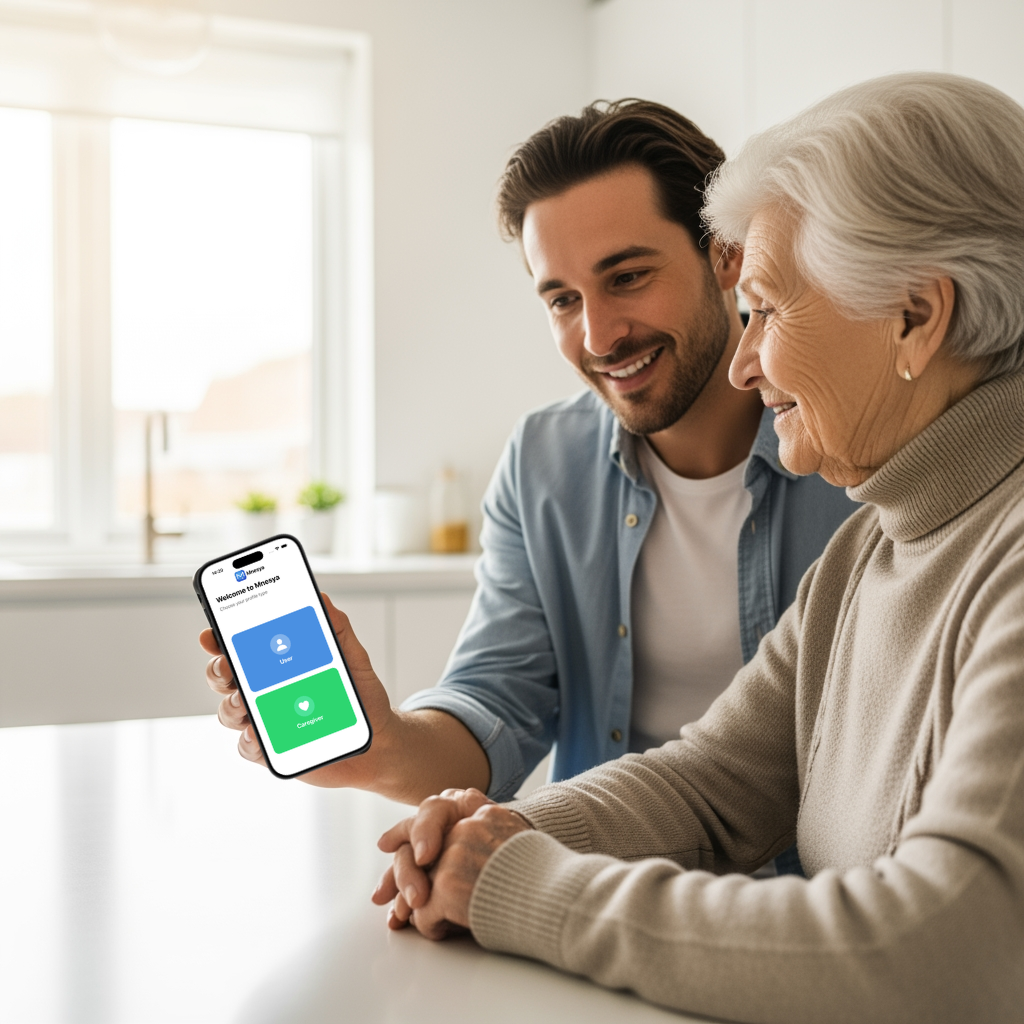
Mnesya connects caregivers and their elderly loved ones through a simple, accessible reminder system that never lets an important moment slip away.

Everything a caregiver needs
Three pillars designed with simplicity and reliability at their core.
Smart Escalation Notifications
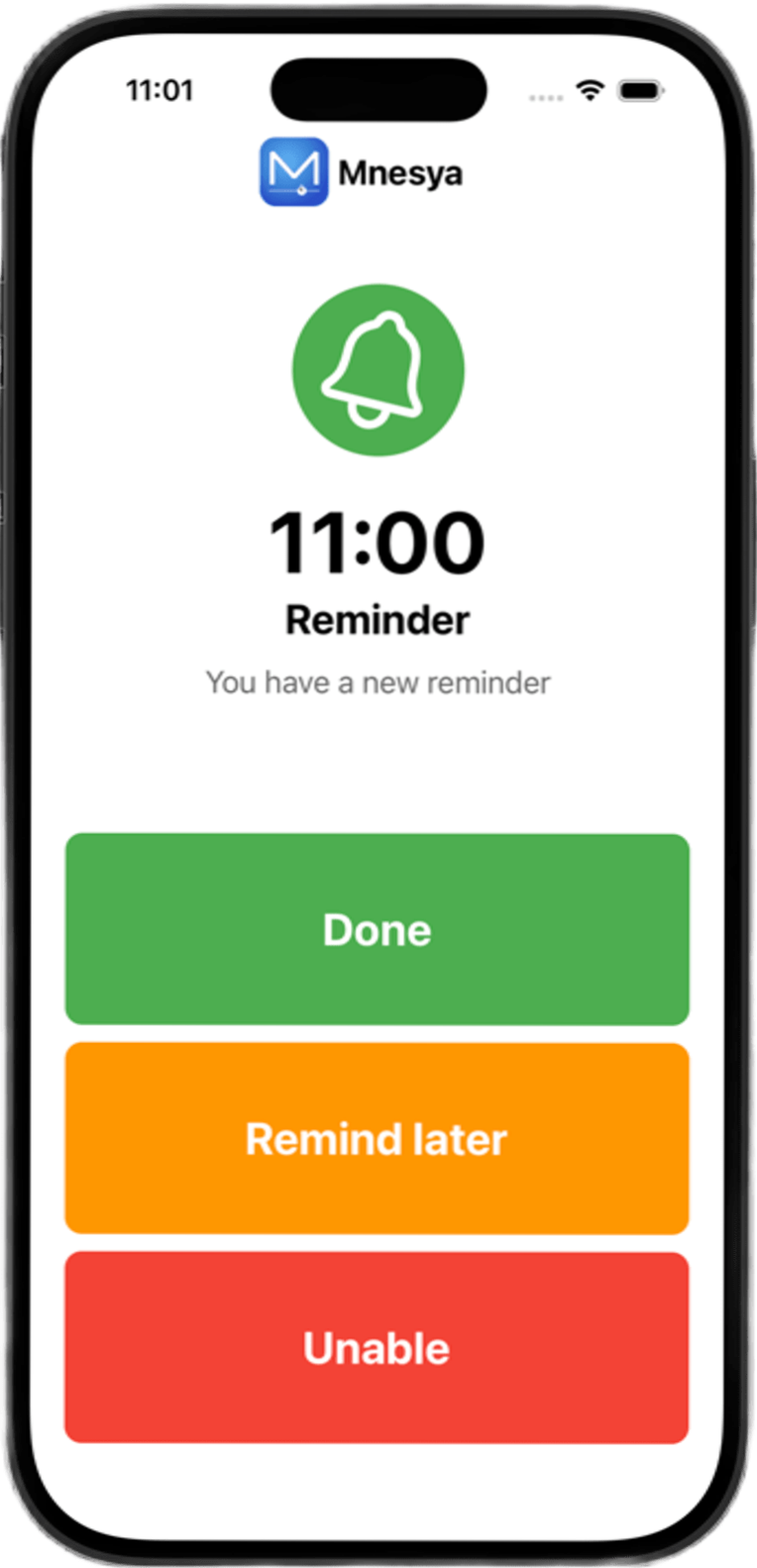
When a reminder fires, Mnesya sends three automatic follow-ups (T+0, T+5, T+10 min). If there's still no response, the caregiver receives an immediate alert, so no medication or appointment is ever truly missed.
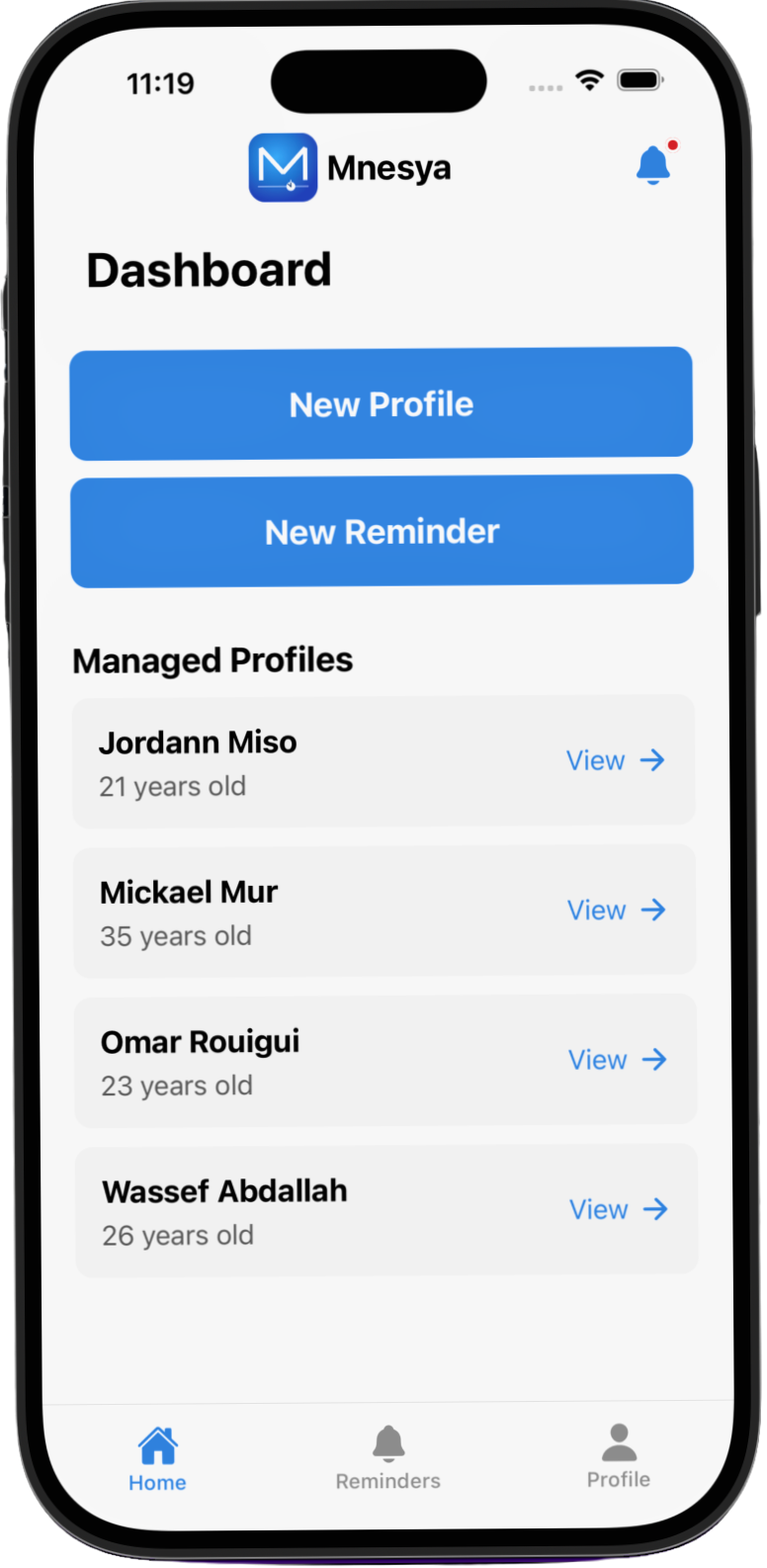
Real-Time Activity Dashboard
Caregivers get a live feed of every interaction (Done, Postponed, Unable, or Missed) for the last 48 hours. An unread badge keeps you informed at a glance without having to dig through the app.
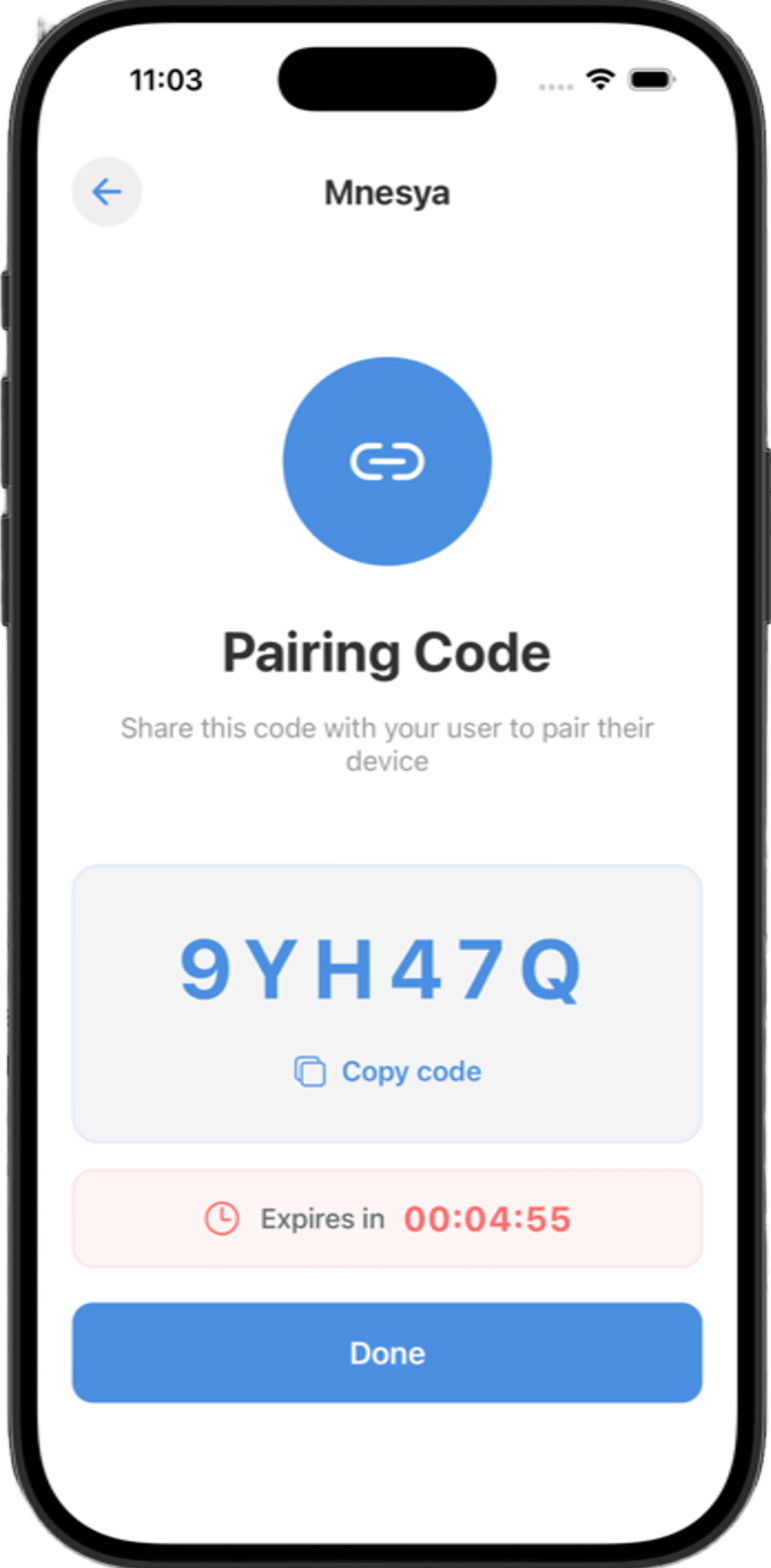
One-Code Pairing
No account creation needed for the elderly user. The caregiver generates a 6-character code valid for 5 minutes. The user enters it once and is instantly connected, a setup gentle enough for any generation.
See Mnesya in action
Watch a full walkthrough of the app: from caregiver setup to reminder delivery and real-time activity tracking.
Why Mnesya exists
A personal story behind a simple app.
The spark
It started with a phone call. A family member, sharp-witted and fiercely independent, had forgotten to take their blood-pressure medication for the third time that week. Not out of carelessness, but because the reminders on their old phone were tiny, easy to dismiss, and gone in seconds.
We tried every reminder app on the market. They were either too complex (too many menus, too small text) or too passive (a banner that vanished before it was even noticed). We needed something that would persist until acknowledged, and quietly alert us if it wasn't.
Building Mnesya
Mnesya (from the Greek root for memory, mnēsía) was built over two months as our Holberton School Portfolio Project. Every design decision was driven by one question: "Would my 80-year-old relative understand this in under 3 seconds?", large buttons, high-contrast colors, maximum 3 actions per screen, and a pairing flow that requires zero account creation from the elderly user.
The result is a system where the caregiver configures everything and the elderly person only needs to respond to one full-screen question: Done · Remind me later · I can't.